Image · Video · Voice · Chat
Always the best AI model, in one place.
Image, video, voice and chat models from the leading labs and open-source teams. We keep adding new top models as they come out, so you can compare them and switch in one click.
Get $0.10 free credit with Google
The free start credit comes with Google sign-up only.
Pay as you go, no subscription. Pricing


 AI-generated
An isometric 3D miniature diorama of a cozy Japanese ramen shop at night. Warm light spills from the entrance. Tiny detailed figures sit at the counter. Steam rises from bowls of ramen. Rain puddles reflect neon signs on the street. Tilt-shift photography effect.













The leading labs
Models from the leading labs
32 developers with at least one model you can run right now, from one account with one API key.
Always the best model
The leading models for every task
When a better model comes out, we add it. These are our current picks per task; the full catalog has many more.
- AI-generated
Nano Banana 2
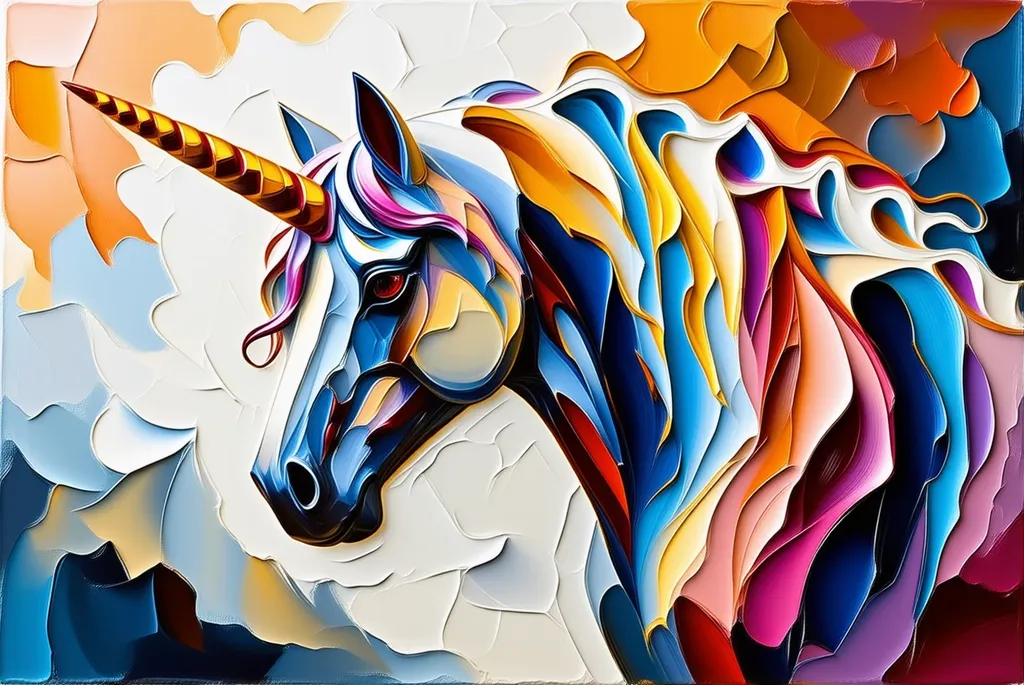
Google DeepMindGoogle's fast image model with conversational editing and consistent characters.
Try Nano Banana 2 - AI-generated
Flux 1.1 Pro Ultra
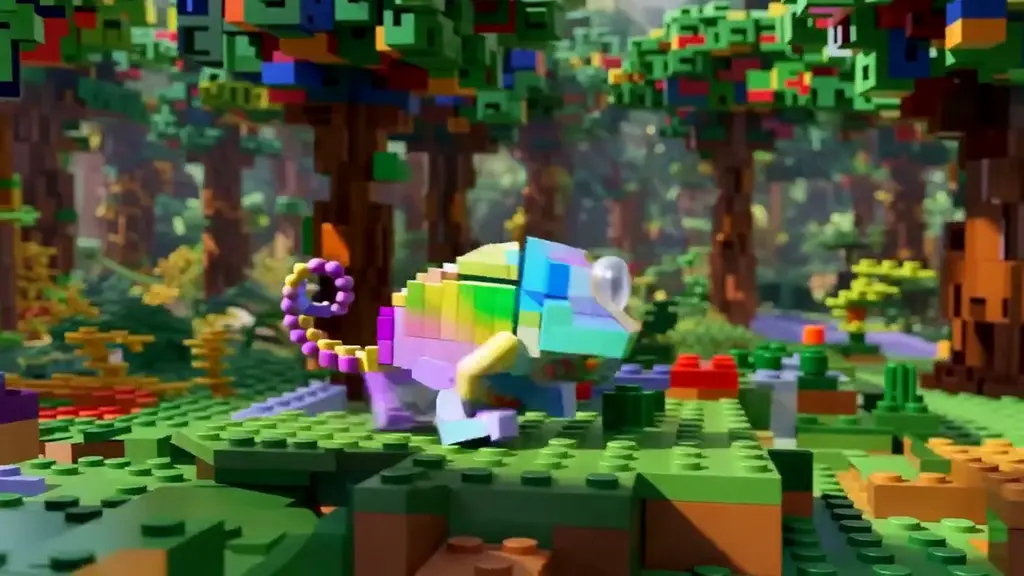
Black Forest LabsFLUX 1.1 Pro in ultra mode: images up to 4 megapixels, with a raw mode for photorealism.
Try Flux 1.1 Pro Ultra 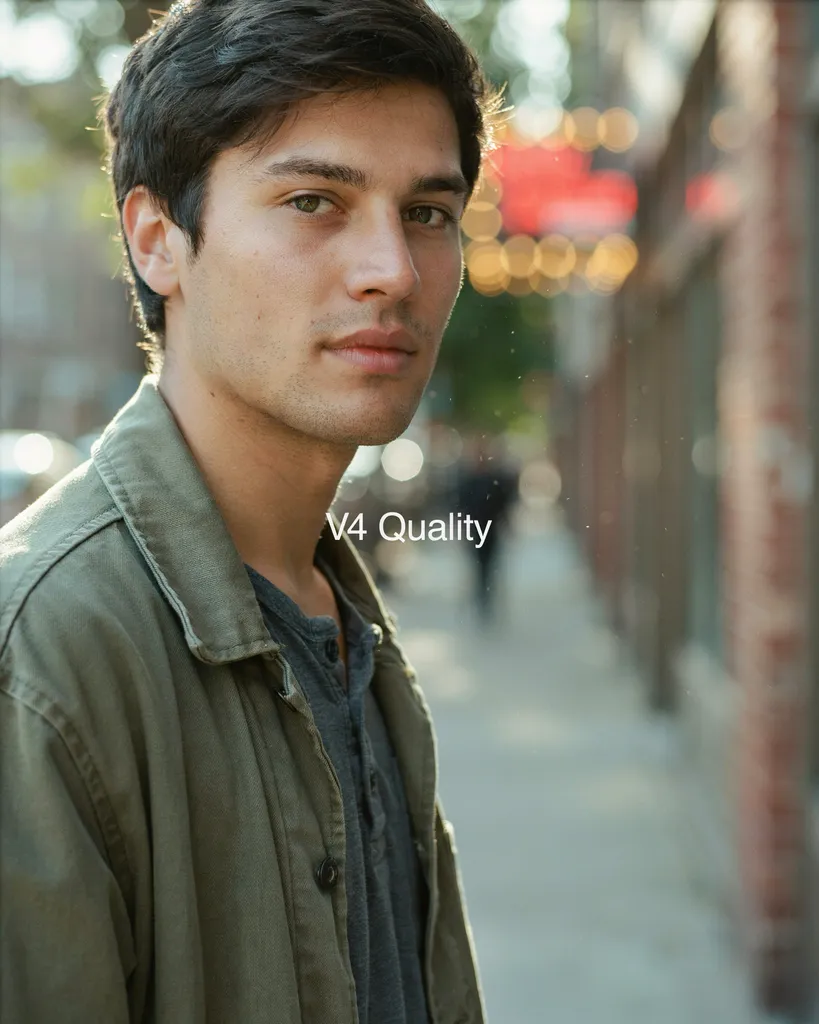 AI-generated
Ideogram V4 Quality
IdeogramIdeogram v4 at its highest quality: realistic images, creative designs, consistent styles.
Try Ideogram V4 Quality AI-generated
Recraft V4.1
RecraftRecraft's latest model, built around design taste: precise prompts and text in the image.
Try Recraft V4.1
Use cases
What will you create?
Real results from the models on railwail, sorted by what people make with them. Hover a tile to see the prompt, click to try the model.
Image editing
Edit any image with words
Upload a picture, say what should change. Drag the handle to compare the original with the result; every pair is a real example of the model named under it.
AI Flows
Chain models into one flow
Type your idea, pick what you want to get and watch the chain: a prompt writer, an image model, a video model. Open it in the editor, change any step and run it again and again.
Video
Made with the latest video models
Veo, Kling, Seedance, Wan and more: from a sentence or a still image to a clip, many with sound.
Voice cloning
Clone a voice in three steps
Record a few seconds of your own voice or upload a clip, type any text and hear it spoken in that voice. It runs as a normal, billed model run in your account.
Try it
Make something right here
One free run on selected fast models (FLUX.1 [schnell], DeepSeek V4.1 Flash), no account needed.
How it works
Three steps from sign-up to result
Sign up, pick what you need, run it where you work: in the browser, from your code or from an agent.
- 01
Sign up
With Google, GitHub or email. One account for every model.
- 02
Pick a model or a flow
Image, video, voice, chat and more, or chain several models into one AI Flow.
- 03
Run it
In the browser, via the OpenAI-compatible API, or from an agent over MCP.
Everything in one place
Every kind of AI model, one account
Images, video, voice, music, text, code, vectors and SVG: one balance, one API key, one dashboard. Open-source models right next to the big labs.
Open models
Open models, no lock-in
Open-weight models run right next to the closed ones from the big labs. Switch models without rebuilding anything: one OpenAI-compatible API, one key. And because the weights are public, you can also run them yourself.
License names as published by each developer on the model card. Check the license before commercial use.
Compare
Same prompt, different models
Drag the slider to see how two models read the same prompt. Then run it yourself, or put any two models side by side.
Leaderboard
Top 3 by quality, price and value
Quality from blind pairwise votes on the public Arena, prices from our pricing rules, value as quality per dollar. Switch the sort, then open the full ranking.
For AI agents
Your agent, every model
Connect Claude Code, Codex or any MCP client once. Your agent then searches the live catalog, compares prices and, with an API key, runs the models itself.
- Works with Claude Code, Codex CLI, Cursor, Claude Desktop, VS Code and Gemini CLI.
- Without a key: search the catalog, compare models and estimate what a workload costs.
- With an API key: the agent runs chat, image, video and speech models, billed like the API.
Connect in one line
Pick your client, copy, done
What a session looks like
The user asks, the agent calls a tool, the catalog answers
The tool results below came from the real tools when this page was rendered. Press “Run again live” to repeat the exact call from your browser.
For developers
One API for every model
- OpenAI-compatible: keep the OpenAI SDK and change the base URL.
- One API key for chat, image, video, voice and more.
- MCP server: agents search the catalog and, with an API key, run models.
Trust
Built in Germany, made for the EU
Railwail is run from Germany under German law. Every point below links to the page that backs it.
- Trust & security
Hosted in Germany
Website, API and database run on Hetzner servers in Falkenstein, Germany. Your prompt still goes to the provider that hosts the model you pick.
- Pricing
Payment through Stripe
You top up your balance in Stripe's checkout. Your card details stay with Stripe; Railwail does not store them.
- Pricing
Pay as you go, no subscription
You top up a balance and each run is charged from it. No plan, no monthly fee. If the provider fails, the run is refunded.
- Trust & security
AI marking on generated images
Generated images are stored with a machine-readable AI marking (IPTC digital source type in XMP and EXIF). Images that already carry a C2PA manifest pass through unchanged. Video, audio and text are not marked machine-readably at the moment.
- Privacy policy
GDPR, controller in Germany
The privacy policy names the data controller, based in Germany, your rights under Articles 15 to 21 GDPR and the supervisory authority responsible. Requests about your data go to one email address.
- Terms of service
Provider safety filters stay on
A request cannot switch off a model provider's safety filters: those settings come only from the model's defaults, and keys, tokens and webhooks are stripped from every input.
FAQ
Questions about Railwail
Short answers. Prices and limits are on the pricing page, everything else in the docs.
Which models can I use?
Image, video, voice, music, chat and code models from the leading labs and from open-source teams. When a better model comes out, we add it, so you do not have to switch platforms. Every model has its own page with details and its price.
Can I try it without an account?
Yes. Every browser gets one free run on selected fast models (FLUX.1 [schnell], DeepSeek V4.1 Flash) in the console on this page. Video and voice models need an account.
How does pricing work?
Pay as you go: you top up a prepaid balance and each run is charged from it. There is no subscription, every model shows its price before you run it, and failed runs are refunded. Details are on the pricing page.
Can I chain models together?
Yes, with AI Flows: connect steps such as prompt, image and video, so the output of one model becomes the input of the next. Each step runs like a normal run.
Is there an API?
Yes, an OpenAI-compatible one: use the OpenAI SDK with the base URL https://railwail.com/api/v1 and your Railwail API key. Chat, images, speech, transcription and embeddings work like OpenAI's endpoints; video runs as a job that you poll.
Can AI agents use Railwail?
Yes, through the MCP server at https://railwail.com/api/mcp. Without a key it reads the catalog and the docs; with an API key, agents run models, billed like the API.
Start with the best models today
Sign in with Google and start creating, or look around the catalog first.
Get $0.10 free credit with Google



![FLUX.1 Kontext [dev]: remove the car](https://supabase.railwail.com/storage/v1/object/public/model-examples/black-forest-labs/flux-kontext-dev/zcd4gheby9rmc0cqpaf9mv9q2w.webp)